Productivity
Productivity Habits That Make Paperwork Painless
March 31, 2025 • 9 min read
Admin work resists focus because it arrives in fragments. A fixed time slot, a handle-once rule, sensible defaults and a short weekly review turn recurring paperwork into a calm, bounded task.

Give admin a fixed slot
Paperwork expands to fill unstructured time. Left to chance, it leaks into every gap in your day: a quick email here, a receipt there, a form you keep meaning to finish. The result is a background hum of unfinished tasks that quietly drains attention from everything else you are trying to do. A recurring appointment, even thirty minutes, converts that nagging background task into a bounded one. Pick a slot that suits your energy — many people find mid-morning works better than late afternoon, when decision fatigue has set in — and treat it as seriously as a meeting with someone else. When admin has a home in your calendar, it stops colonising the rest of your week.
Handle each item once
Opening a letter, thinking about it and putting it down doubles the work, because you will have to re-read it and re-decide later. Every time you handle the same piece of paper or the same email without resolving it, you pay a small attention tax. Instead, decide immediately when you first touch an item: act on it, schedule it, file it or discard it. If it needs a reply you cannot give right now, schedule a specific time rather than leaving it open. The goal is to never re-open the same item simply to wonder what to do with it. This single habit, practised consistently, removes more friction from admin work than any tool you can buy.

Reduce decisions with defaults
A standard folder structure, a standard file name pattern and a standard reply template remove dozens of small decisions each week. Decisions are the expensive part of admin, not the actions themselves — typing a filename takes seconds, but choosing what to call it each time adds up. Decide once how you name files (date first, then a short description), where each type of document lives, and what your standard replies say. Then simply follow the pattern. Defaults also reduce errors, because you are not inventing a new system under pressure each time. When everything has an obvious place, filing becomes almost automatic and you stop dreading it.
Review weekly, not daily
A short weekly pass over deadlines and open items catches problems early without the constant checking that fragments the rest of your week. Daily checking feels productive but rarely moves anything forward — it just refreshes your anxiety about the same unfinished list. A weekly review, by contrast, gives you enough distance to see what actually matters. Spend fifteen minutes listing what is due next week, what is overdue, and what can be closed or archived. This is also the moment to adjust your defaults: if the same type of task keeps slipping, change the system rather than blaming yourself. A calm weekly review replaces a week of guilty glances at the same pile.

Batch similar work together
Switching between invoicing, email and filing costs more time than the tasks themselves, because each switch forces your brain to reload a different context. Grouping paperwork into a single scheduled block is measurably faster than handling it as it arrives. Within that block, sort by type: do all the invoices, then all the replies, then all the filing. You will finish each batch quicker than if you interleaved them, and you will make fewer mistakes because you are holding one set of rules in your head at a time. Batching is the single biggest reason a fixed admin slot works — it is not just the time, it is the uninterrupted run of similar work.
Apply the two-minute rule
If a task will take less than two minutes, do it the moment you encounter it rather than adding it to a list. Writing it down, tracking it and revisiting it later costs more than simply completing it now. This applies to quick replies, filing a single document, or confirming an appointment. The two-minute rule keeps small tasks from accumulating into a backlog that feels overwhelming. For anything longer, schedule it into your admin block rather than letting it interrupt focused work. The boundary is simple: tiny now, bigger later.
Keep a single collection point
Paper and digital admin scattered across a desk, an inbox, a downloads folder and a notes app is easy to lose track of. Choose one place where every new item lands — a physical tray for paper, a single folder or label for digital files — and route everything there until your admin block. A single collection point means nothing slips through unnoticed, and you never waste time hunting for the thing you meant to deal with. Empty it during your weekly review so it never overflows.
Make deadlines visible
A deadline buried in an email or a letter is a deadline you will miss. The moment you spot one, put it on a calendar you actually check, with enough lead time to act on it. For recurring deadlines — tax filings, licence renewals, subscription cancellations — set a reminder a week before as well as on the day. Visible deadlines turn surprises into planned tasks, which is the whole point of an admin system.
Create a professional invoiceCommon mistakes that fragment your focus
Checking email constantly instead of batching it; keeping multiple to-do lists that never agree; filing things in a folder you never open again; treating every item as urgent when most are not; and skipping the weekly review when you are busy, which is exactly when you need it most. Another common mistake is building an elaborate system you cannot maintain — a simple structure you actually use beats a perfect one you abandon after a month.
Tools that support the system
The right tools remove friction without adding complexity. A clean invoice generator lets you produce a numbered, professional document in minutes during your admin block, rather than formatting one from scratch each time. A word counter helps you trim replies and statements to a required length before you send them, so you do not bounce between drafts. Use a few reliable tools well rather than collecting dozens you never open.
Open the Invoice GeneratorProtect the block from interruptions
An admin block only works if it is actually uninterrupted. Close your email tab, silence non-urgent notifications, and let colleagues or family know you are unavailable for that window. Interruptions are especially costly during admin because each one forces you to reload the context of whatever document or task you were mid-way through. If you cannot get a full uninterrupted slot, split the work into two shorter focused sessions rather than one constantly interrupted one — three clean fifteen-minute blocks beat one noisy hour.
End each session with a clear next step
When your admin block ends, note the single most important thing to pick up next time before you close the tab or put down the pen. This means you never start a session wondering where you left off, which is the moment most people lose momentum and drift onto easier tasks. A one-line note — “finish the March invoice”, “chase the overdue payment from client X” — turns the start of next week admin block from a decision into an instruction, and that small difference keeps the system running for months.
Frequently asked questions
How long should my admin block be? Start with thirty minutes and adjust — most people need forty-five to sixty once batching becomes a habit. What if I miss a weekly review? Simply do it the next day rather than skipping it entirely; a late review is far better than none. Do I need a productivity app? No. A calendar and a single collection point are enough for most people; add a tool only when a specific task repeats often enough to justify it. What about digital paperwork like e-signatures? Treat it exactly like paper — route it to your collection point and handle it in your admin block.
Related Tools
Try these FillAtlas tools alongside this guide.
Related Guides

Small Business Admin: Shortcuts That Actually Save Time
Templates, naming conventions, batching and a recurring admin block turn recurring paperwork from a daily interruption into a calm weekly task that no longer eats your evenings.
Mar 17, 2025 • 9 min read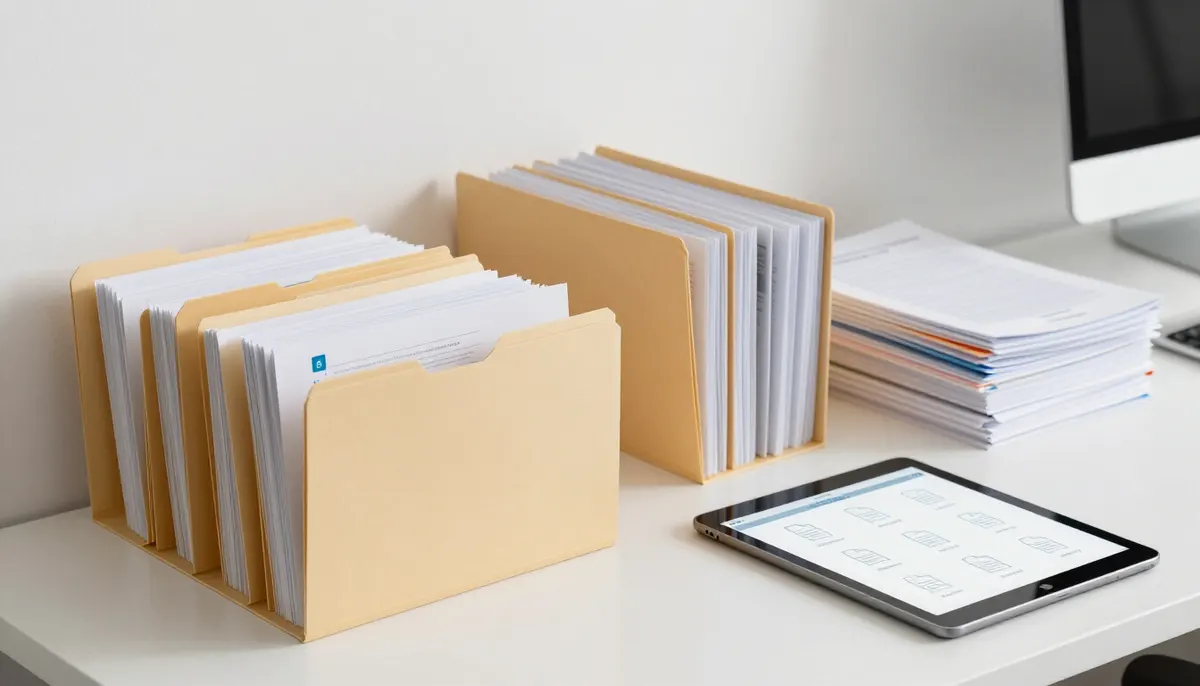
Organising Digital Documents So You Can Find Them Later
A simple naming and folder system that keeps contracts, receipts and forms findable years after you file them — with conventions, backups and a few habits that prevent the slow drift into chaos.
Mar 3, 2025 • 9 min read
How to Write a Professional Invoice: What to Include and Why
A clear, well-structured invoice gets paid faster and avoids disputes. Here is exactly what to include, how to number invoices consistently, and what to do when payment is overdue.
Apr 28, 2025 • 5 min read