Image Resizer
Upload an image and resize it to a specific width and height in pixels, or scale it by a percentage. Processing happens in your browser and the result can be downloaded immediately.
Privacy: your input is processed entirely in your browser and is never sent to our servers.
Visual example
Resize to display size first, then compress — keep an original copy.
How to Use Image Resizer
- 1Choose an image file from your device.
- 2Enter a target width and height, or use a percentage scale.
- 3Press Resize, then download the result.
What This Tool Does
Resizing images before uploading saves bandwidth, speeds up forms and emails, and fits pictures to the exact dimensions a platform or profile expects. This tool redraws your image onto an HTML canvas at the new width or height you choose, entirely in your browser, so the original file is never uploaded to a server. You can scale by a percentage or set a target pixel dimension, and the aspect ratio is preserved when you change only one side, which prevents stretched or squashed output. It is useful for shrinking a phone photo to fit a web form's upload limit, preparing a profile picture to a required square size, or reducing a screenshot before pasting it into a document.
Examples
Fitting a form upload limit
Resize a 4000-pixel-wide phone photo down to 1920 pixels wide so it meets a web form's upload limit without losing visible detail.
Preparing a profile picture
Scale a rectangular photo to a 400-pixel square for a profile avatar, letting the tool preserve the aspect ratio while you crop.
Helpful Tips
- Lock the aspect ratio to avoid stretching when you only set one dimension.
- Downscaling keeps quality; upscaling beyond 200% usually looks soft.
- PNG keeps transparency; JPG produces smaller files for photos.
Frequently Asked Questions
Are my images uploaded?
No. Resizing happens locally in your browser and the file never leaves your device.
What formats are supported?
JPG, PNG, WebP and GIF images can be loaded and exported.
Is there a file size limit?
Very large images may be slow or fail if your browser lacks memory, but there is no set limit.
Related Guides
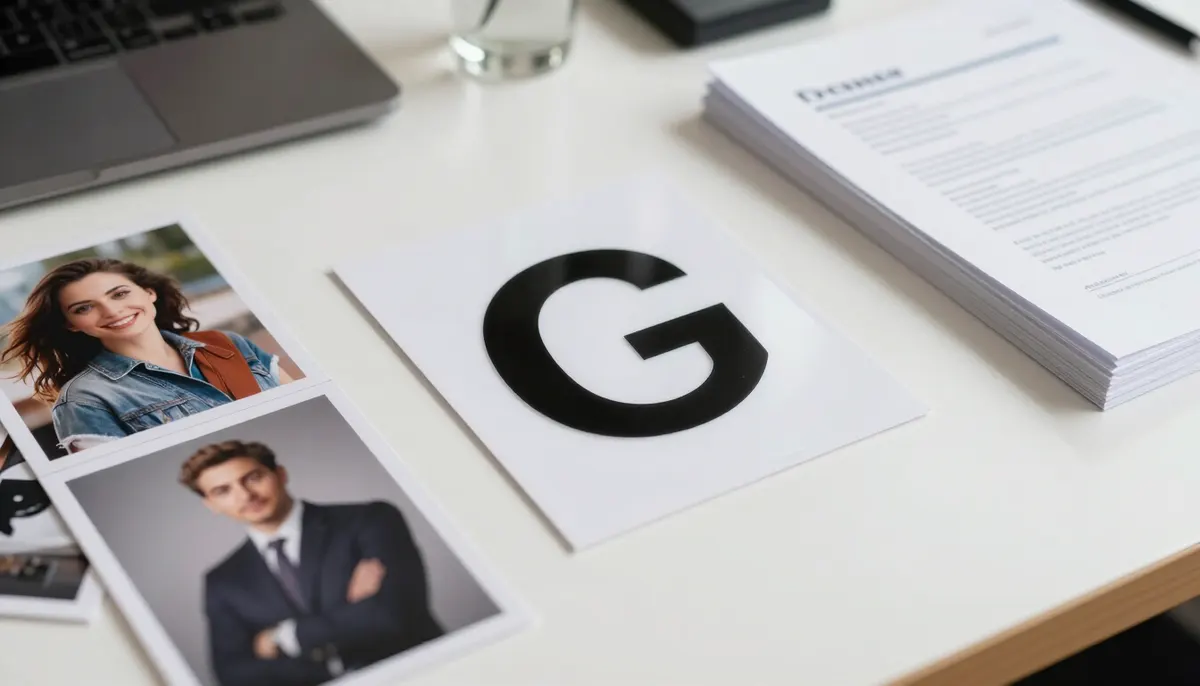
JPG, PNG or PDF: Which File Format Should You Use?
Choosing the wrong file format means larger files, lost quality, or images that display incorrectly. A practical guide to picking the right format for every situation.
May 12, 2025 • 5 min read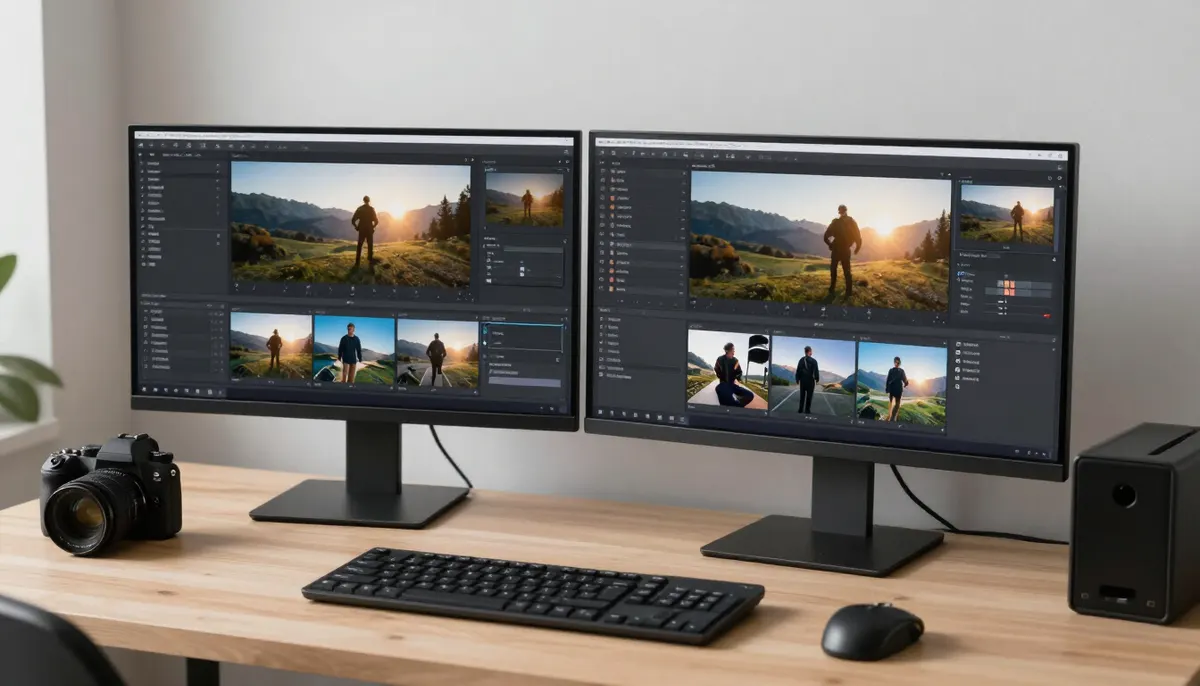
How to Reduce Image File Size Without Sacrificing Quality
Large images slow down forms, emails and web pages. Here is how to shrink them using the right format, dimensions and compression, without a visible drop in quality.
Jun 16, 2025 • 6 min read