Images
JPG, PNG or PDF: Which File Format Should You Use?
May 12, 2025 • 5 min read
Choosing the wrong file format means larger files, lost quality, or images that display incorrectly. A practical guide to picking the right format for every situation.
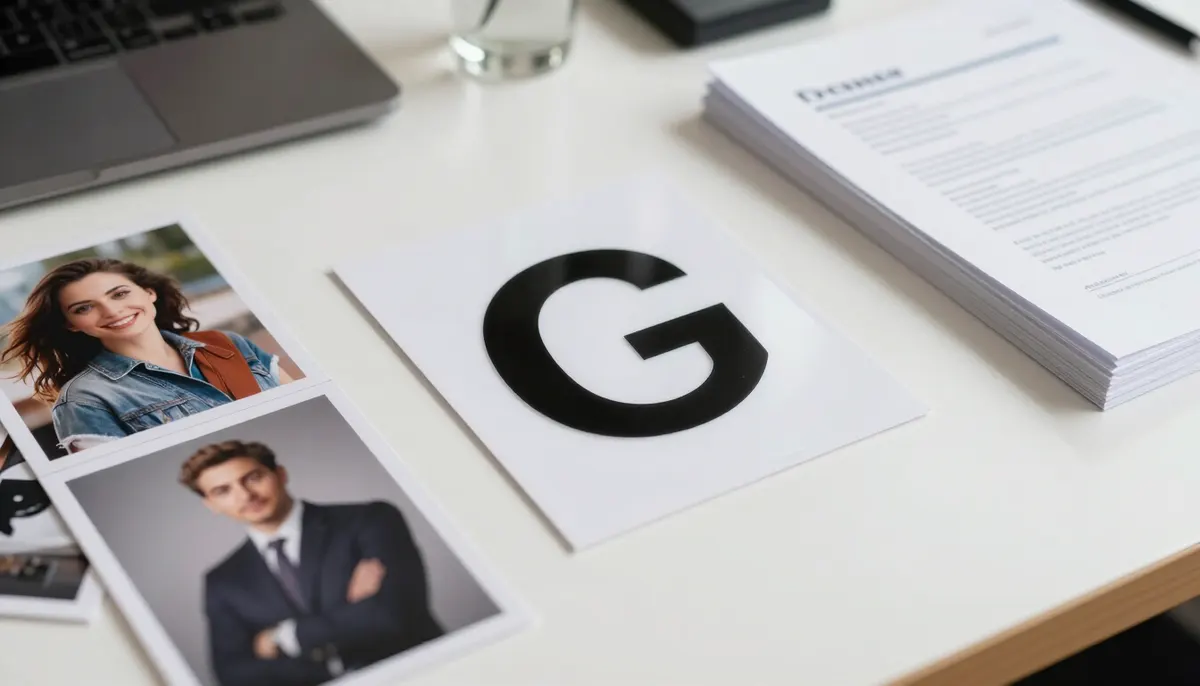
JPG: best for photographs
JPG uses lossy compression that discards detail most people cannot perceive in photos. This makes it excellent for hero images, email attachments and social media uploads. Avoid it for text, logos or anything with sharp edges — compression artefacts become clearly visible on these subjects.
PNG: best for graphics with transparency
PNG uses lossless compression, preserving every pixel exactly. It supports transparency, which makes it the right choice for logos, icons, screenshots and anything placed over a coloured background. The trade-off is larger file sizes than JPG for photographic content.
PDF: best for documents and multi-page files
PDF is designed for documents that must look identical on every device and printer. It is the correct format for contracts, forms, reports and anything that combines text with images. Most organisations expect documents in PDF rather than image formats.
Convert images to PDF
When to convert between formats
If a client sends a logo as JPG but you need it on a transparent background, convert it to PNG. If you have scanned pages as images and need a single file to send, convert them to PDF. Converting PNG to JPG reduces file size at the cost of losing transparency.
Compress or resize an imageRelated Tools
Try these FillAtlas tools alongside this guide.
Related Guides
How to Reduce Image File Size Without Sacrificing Quality
Large images slow down forms, emails and web pages. Here is how to shrink them using the right format, dimensions and compression, without a visible drop in quality.
Jun 16, 2025 • 6 min read
Working With PDFs: What Every Beginner Should Know
Why PDFs behave differently from documents, how form fields work, what to check before sending one, and how to combine, convert and shrink PDFs without losing what matters.
Mar 10, 2025 • 9 min read