Text
Word and Character Limits Explained
February 17, 2025 • 7 min read
Why two tools can disagree about the same paragraph, and how to stay safely inside a limit on any form or platform.

Words and characters are counted differently
A word count splits text on whitespace. A character count measures every keystroke, and may or may not include spaces depending on the system. Always check which measure a form uses before editing. University essays usually mean words; Twitter-style fields and many government boxes mean characters.
Open Word CounterHidden characters can push you over
Line breaks, double spaces and trailing whitespace pasted from a document all count on many platforms. Pasting as plain text avoids most invisible extras. If a counter disagrees with the form, paste into the FillAtlas Character Counter and compare with spaces included and excluded.
Open Character Counter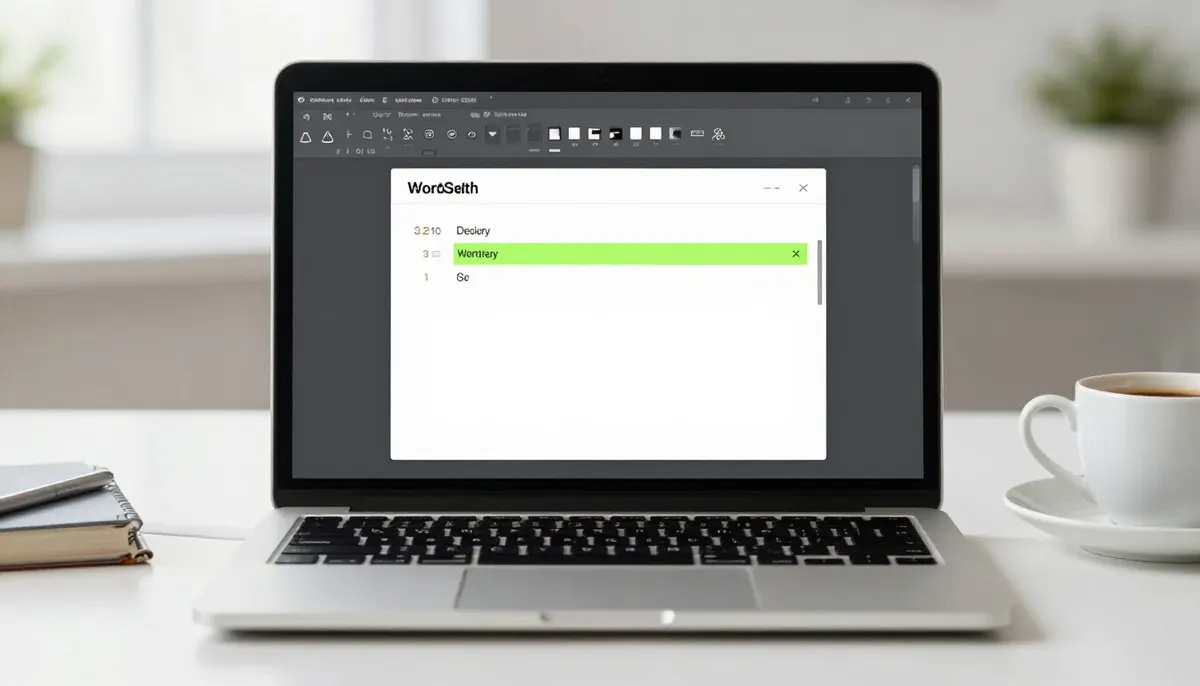
Cut structure, not punctuation
When you are over a limit, removing commas rarely helps. Merge two sentences, delete a qualifier, or cut an example instead. The meaning survives and the count falls faster. Prefer active verbs and shorter clauses over trimming single letters.
Leave a margin
Aim for around ninety percent of the limit. Small differences between counting methods then cannot cause a rejection at the last moment. Build the habit of checking the count before you open the live form.
Practical examples
A 500-word personal statement: draft to 450 words so you can still add a concrete example. A 200-character bio: write offline, strip line breaks, and verify spaces are counted the way the platform counts them. A multi-box application: count each answer separately — totals across boxes are rarely what the validator checks.
Common mistakes
Trusting a word processor’s count when the form uses characters; pasting rich text that inserts non-breaking spaces; editing inside a flaky browser field without an offline draft; and hitting submit at exactly 100% of the limit when the server counts differently.
Related Tools
Try these FillAtlas tools alongside this guide.
Related Guides

How to Fill Out Online Forms Correctly the First Time
A practical checklist for completing online applications and government forms without rejections, resubmissions or lost work.
Feb 3, 2025 • 8 min read
How to Write a Professional Invoice: What to Include and Why
A clear, well-structured invoice gets paid faster and avoids disputes. Here is exactly what to include, how to number invoices consistently, and what to do when payment is overdue.
Apr 28, 2025 • 5 min read