Online tools
How to Choose Online Tools Safely
March 24, 2025 • 9 min read
Free web tools are convenient, but not all handle your data the same way. Here is what to look for before pasting anything sensitive, from where processing happens to what a privacy policy actually promises.

Ask where the processing happens
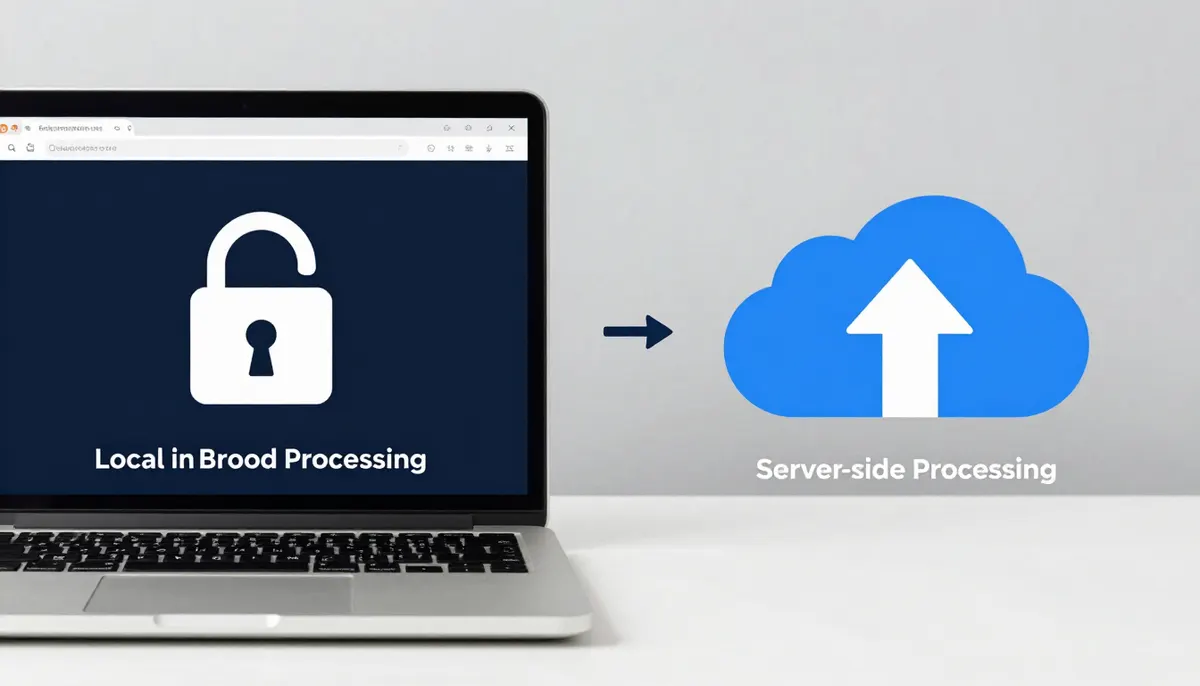
Some tools run entirely in your browser; others upload your file or text to a server. This single distinction matters more than any other when you are deciding whether a tool is safe for sensitive content. Browser-based processing means your input never leaves your device — the tool reads what you type or paste, does the work locally with JavaScript, and shows you the result. Server-based processing means your data travels across the internet to someone else computer, where it is stored and worked on before a result comes back. For anything confidential — identity documents, financial figures, private health information, source code — browser-based processing is a meaningfully different risk profile. A tool that does not state where processing happens should be treated as server-based until you can confirm otherwise.
Read the retention policy
If a service does upload data, look for a clear statement about how long files are kept and when they are deleted. Vague wording like "data retained as necessary" is a reason to be cautious, because it gives the service wide discretion. A trustworthy service states a concrete retention period — minutes, hours, or a fixed number of days — and explains what happens after it expires. Also check whether uploaded files are used to train models, shared with partners, or accessible to staff. If the policy is silent on these points, assume the worst and avoid using the tool for anything you would not want stored indefinitely on a stranger server.
Be careful with identifiers
Names, account numbers, passport numbers and identity documents deserve more care than a draft blog post or a block of placeholder text. Before pasting sensitive material into any tool, ask whether the tool actually needs the identifying parts to do its job. If you are testing a JSON formatter, replace real names with placeholders. If you are resizing an image that contains a visible address, crop or blur it first. Redacting what a tool does not need is a simple habit that dramatically reduces the cost of a mistake or a breach. Treat every paste as if the destination might leak, because services you have never heard of can disappear overnight with your data still on their disks.
Prefer tools that explain their method
A calculator that shows its formula, or a generator that says what source of randomness it uses, is easier to trust and easier to verify. Transparency is a strong signal of a well-built tool: the creator is confident enough in their method to show it, which means you can check the result yourself rather than taking it on faith. Opaque tools that produce a number with no working shown leave you guessing whether the calculation was correct, whether rounding was applied sensibly, and whether edge cases were handled. When two tools do the same job, choose the one that lets you see behind the result.
Check for HTTPS and a clear privacy policy
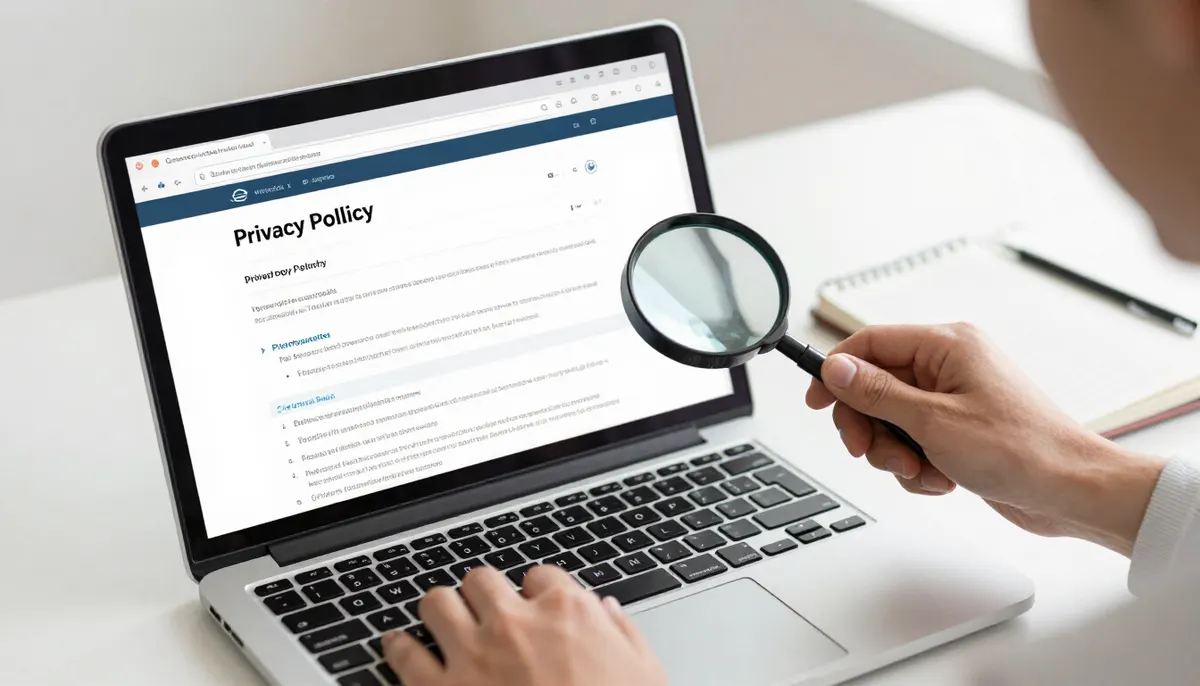
A padlock in the address bar means the connection between your browser and the site is encrypted, so intermediaries cannot read your traffic in transit. HTTPS is now standard, but its absence on any page handling your input is an immediate warning sign. Beyond the connection, look for a privacy policy that explains what the service collects, why, and what your choices are. A missing or boilerplate policy suggests the operator has not thought carefully about your data. You do not need to read every word — scan for the sections on data storage, sharing and deletion, and see whether they answer your main concerns.
Understand cookies and tracking
Many free tools are funded by advertising, which often means tracking cookies follow you between sites to build a profile for targeted ads. This is not necessarily harmful, but it is worth knowing, especially if you are using a tool for work or sensitive personal tasks. Most browsers now let you block third-party cookies or review what each site has set. If a tool asks for permissions it does not seem to need — camera, microphone, location — ask why before granting them. A word counter does not need your location; a PDF merger does not need your camera.
Why browser-based tools suit sensitive data
Tools that process input entirely in your browser are particularly well suited to sensitive data because nothing is transmitted or stored remotely. Your text, numbers and files stay on your device, used only for the calculation or conversion you requested, and they disappear when you close the tab. This makes browser-based tools a natural fit for drafting confidential text, checking private figures, or editing personal images. The trade-off is that you rely on your own device processing power, but for the small tasks most online tools handle, that is rarely a limitation. When a tool states clearly that it runs in your browser, you can use it with far less worry about where your data ends up.
Common mistakes when choosing tools
Pasting sensitive data into the first tool that appears in search results without checking where processing happens; trusting a polished interface as a proxy for good data practices; granting broad browser permissions without questioning them; and assuming a free tool has no business model, when advertising or data collection often is the model. Another mistake is using the same tool for everything — a convenient general-purpose site may handle your draft text fine but be the wrong choice for an identity document.
Check the reputation and history of the tool
A tool that has been around for years and is widely recommended is generally a safer bet than one that appeared last week with no reviews and no identifiable operator. Look for independent discussion — forums, articles, recommendations from people you trust — rather than only the testimonials on the tool own site, which are selected to be positive. A short search for the tool name alongside words like “privacy”, “security” or “data breach” tells you quickly whether others have had problems. Newness is not disqualifying, but when two tools do the same job and one has a track record, prefer the one with a history.
What to do if a tool misuses your data
If you discover a tool has kept data it promised to delete, shared it without consent, or suffered a breach, act quickly: change any passwords you entered there, revoke access if you connected an account, and ask the operator in writing to delete your data. If the tool held sensitive documents, monitor your accounts for unusual activity and consider a credit check. Reporting the issue publicly — in a review or to a relevant regulator — helps other users avoid the same trap. The experience is also a useful prompt to be more selective next time, especially about what you paste into unfamiliar tools.
Frequently asked questions
How can I tell if a tool runs in my browser? Look for a statement on the page or in the privacy policy; tools that process locally usually say so prominently because it is a selling point. Are free tools safe? Many are, but free does not mean costless — if you are not paying, the operator may be funding the service through ads or data, so check the policy. Should I use a VPN with online tools? A VPN encrypts your connection to the internet but does not change where a tool processes your data, so it does not make a server-based tool safe for sensitive input. What about browser extensions? Treat them with extra care, as they often have broad access to page content; check permissions and reviews before installing.
Related Tools
Try these FillAtlas tools alongside this guide.
Related Guides

Strong Passwords: A Practical Guide for Everyday Accounts
Length beats complexity, reuse is the real risk, and a password manager solves most of the problem. Here is how to apply that in practice.
Feb 10, 2025 • 12 min read
How to Create a Strong Password: A Plain-English Guide
Weak passwords are the leading cause of account takeovers. Here is what makes a password strong, why password managers matter, and how to generate one securely.
Apr 7, 2025 • 5 min read
What Is JSON? A Clear Explanation for Non-Developers
JSON appears in APIs, configuration files and data exports but looks intimidating at first glance. Here is what it is, how to read it, and when you are likely to encounter it.
May 5, 2025 • 4 min read